Cloud Upload Interface for Report Viewer and Scheduler
Goal: Development
Developer: Hengsin (talk)
Feature Ticket: IDEMPIERE-4771
Description: Add cloud upload interface for report viewer and scheduler. This is builds on top of the Configure_OAuth2_EMail models.
Development
- Create an OSGi component for the org.adempiere.base.upload.IUploadService interface.
- Your implementation would have to provide org.adempiere.base.upload.IUploadHandler handler for the supported content type.
- Your OSGi component must provide a value for the "provider" property. This value must match the name of an "Authorization Provider" record.
Configuration
Install an implementation of the upload interface
For e.g, the Google Drive implementation at <https://github.com/hengsin/idempiere-gdrive>(https://github.com/hengsin/idempiere-gdrive)
Add Authorization to Drive/Document Account
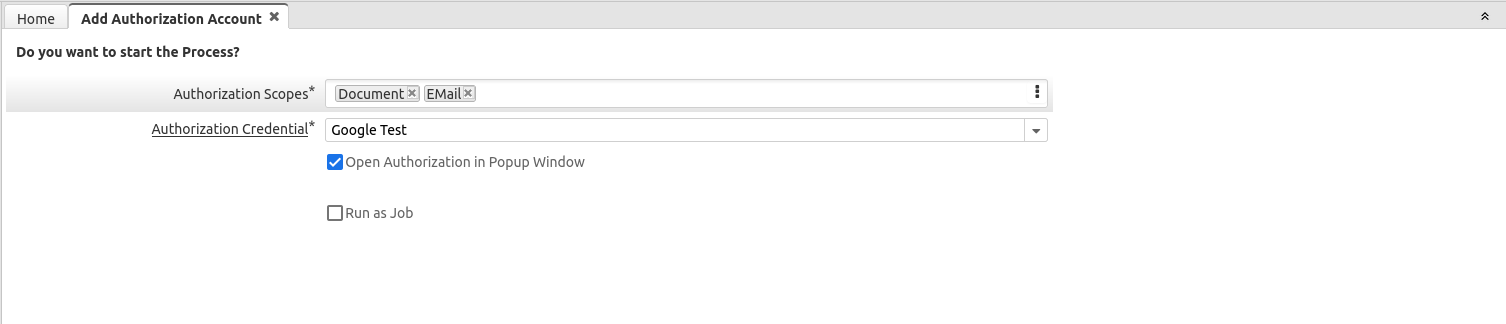
Use "Add Authorization Account" process to add authorized access to your Document account:
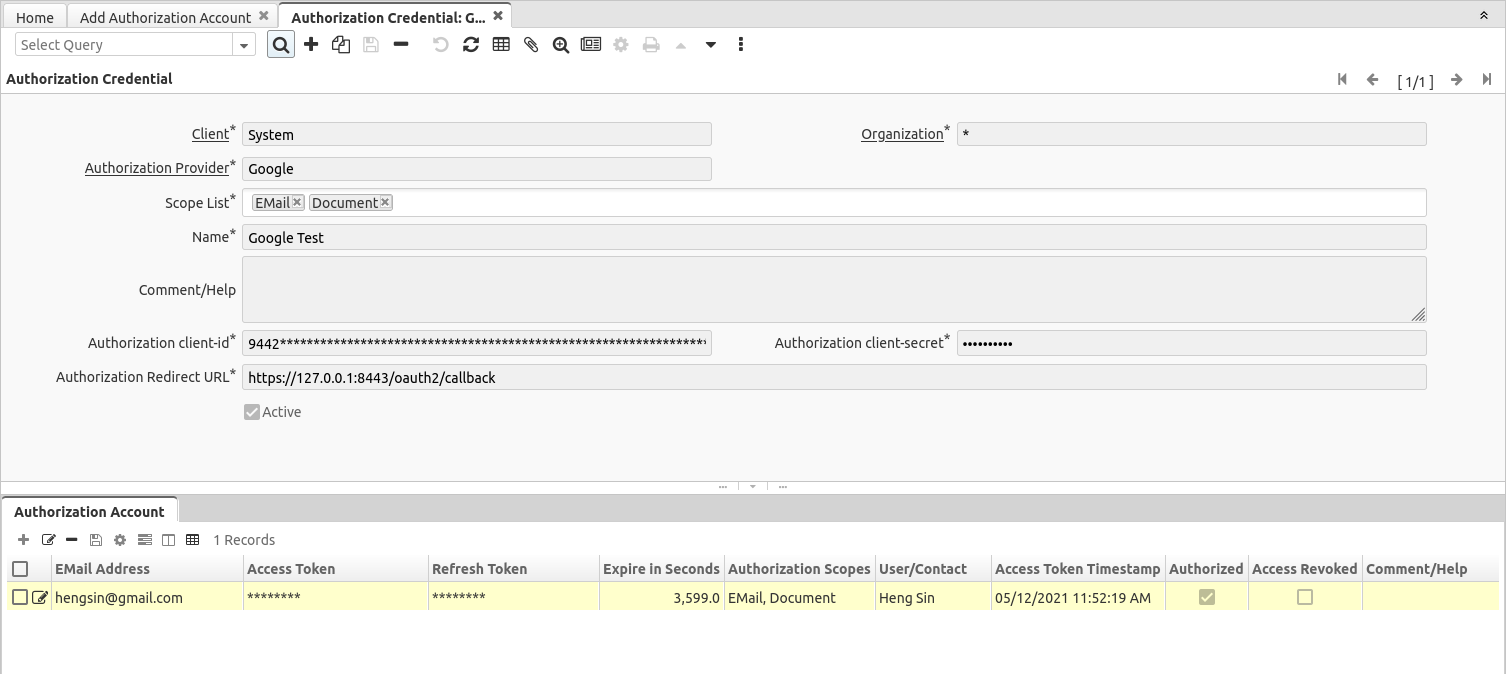
After successful authorization, you should have a record added to the Authorization Account:
Usage
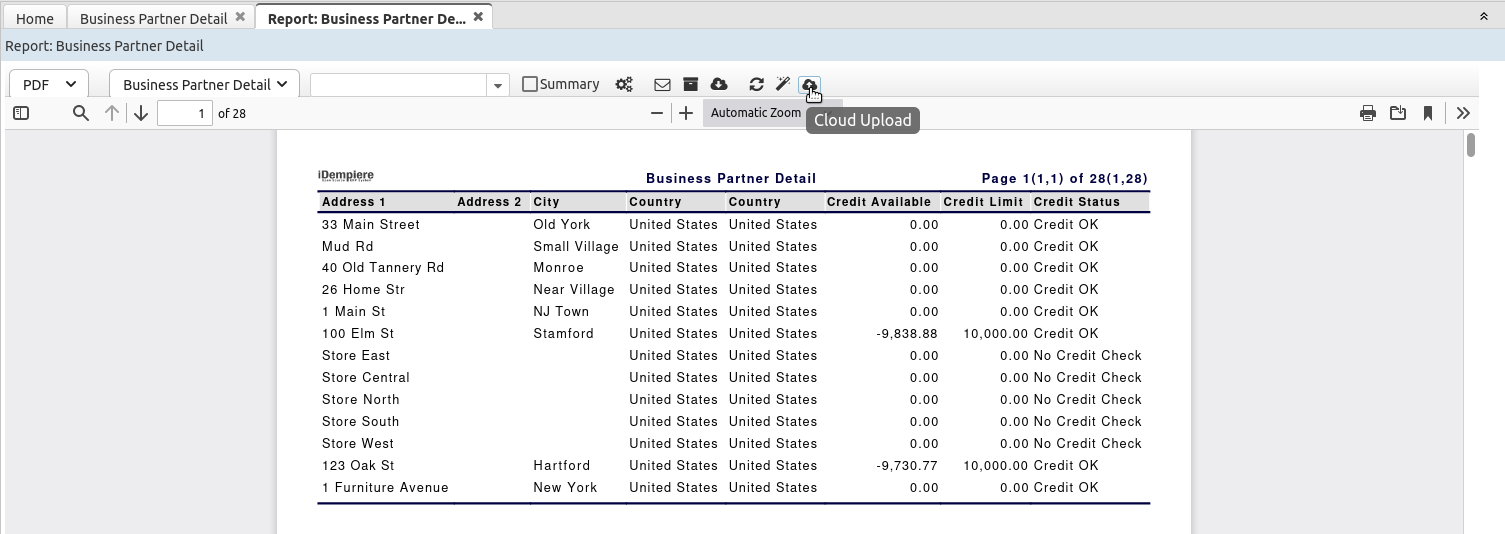
Cloud upload at Report Viewer:
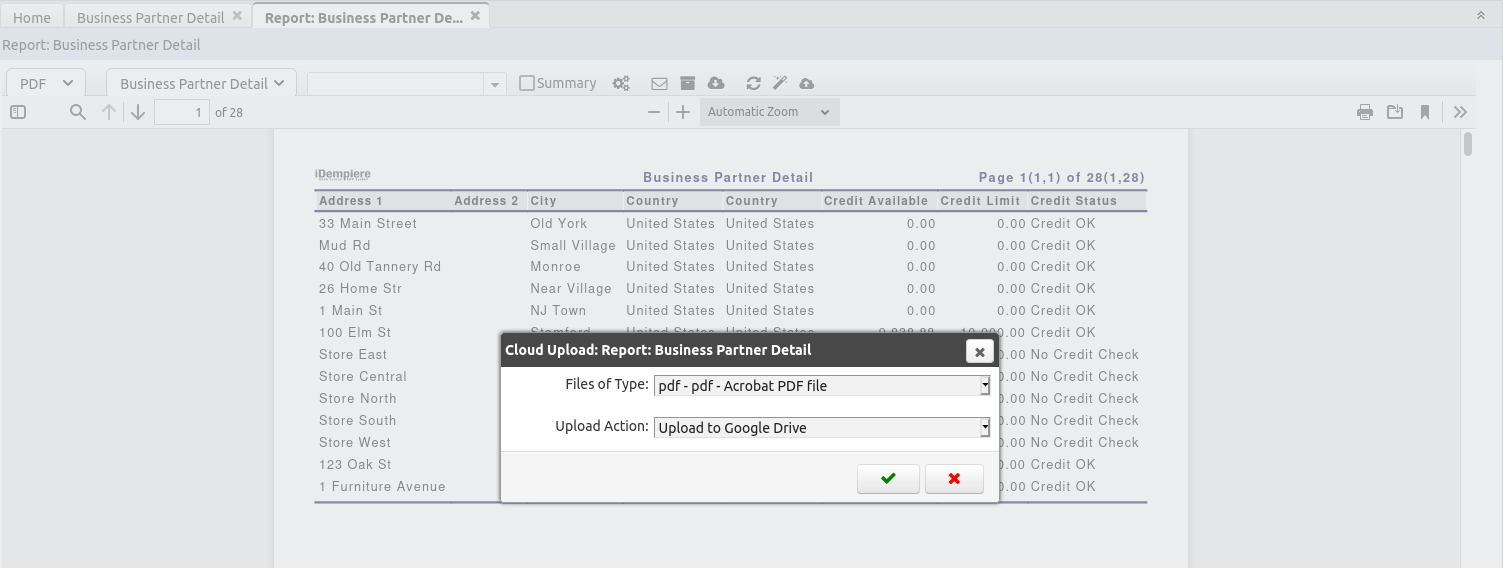
Upload Dialog for Google Drive plugin above:
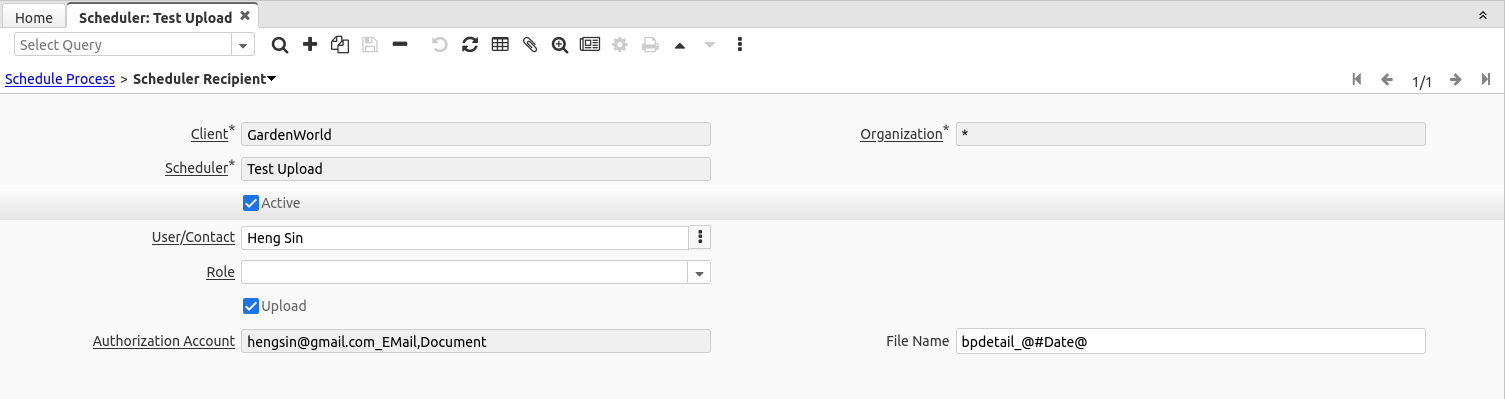
Cloud Upload field at Scheduler Recipient (Upload, Authorization Account and File Name):
Source: Wiki