Using ITaxProviderFactory in Plug-ins
Goal
The goal of this tutorial is to show how to use the ITaxProviderFactory service in your plug-in project. Use the tax provider factory service when you need to provide your own method for calculating taxes on orders, invoices, and RMAs.
Prerequisites
Before you start, review the following tutorials:
Workflow
After creating the plug-in and setting its dependencies, click on File > New > Other and select Component Definition from the Plug-in Development section.
Click Next. Select your plug-in project (OSGI folder) and choose a file name and a general name. In this example, we used TaxProviderFactory.xml and org.idempierelbr.tax.TaxProviderFactory for filename/name, but any name works. You don't need to set the class name yet. Click Finish.
You will need two classes:
- A
TaxProvider- a class that implementsITaxProvider - A
TaxProviderFactory- a class that implementsITaxProviderFactory
You only need one TaxProviderFactory for all your TaxProvider implementations. Create the class DefaultTaxProvider, which implements org.adempiere.model.ITaxProvider, and implement the inherited abstract methods.
The second class implements ITaxProviderFactory and is called TaxProviderFactory. In newTaxProviderInstance(), check the class name configured in the Tax Provider Configuration window (see below).
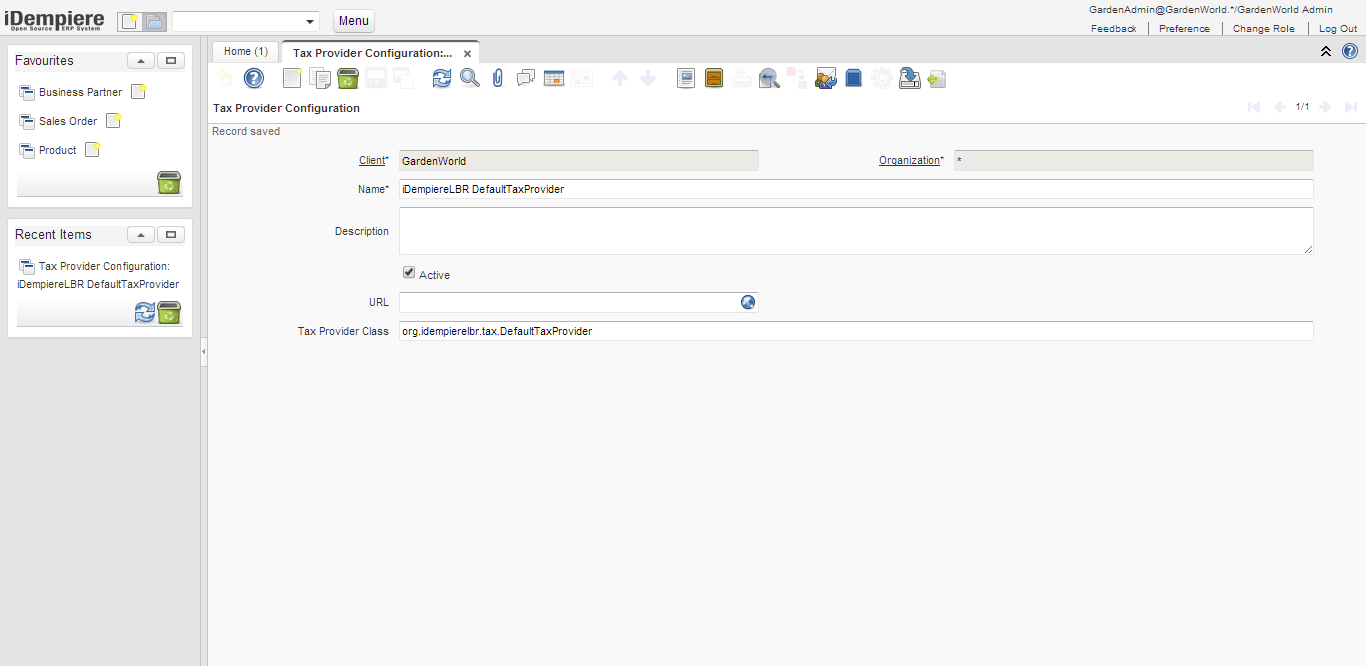
Open TaxProviderFactory.xml and click Browse to select the TaxProviderFactory class. Add an integer property called service.ranking with a positive value (> 0).
On the Services tab, add org.adempiere.base.ITaxProviderFactory to the Provided Services section.
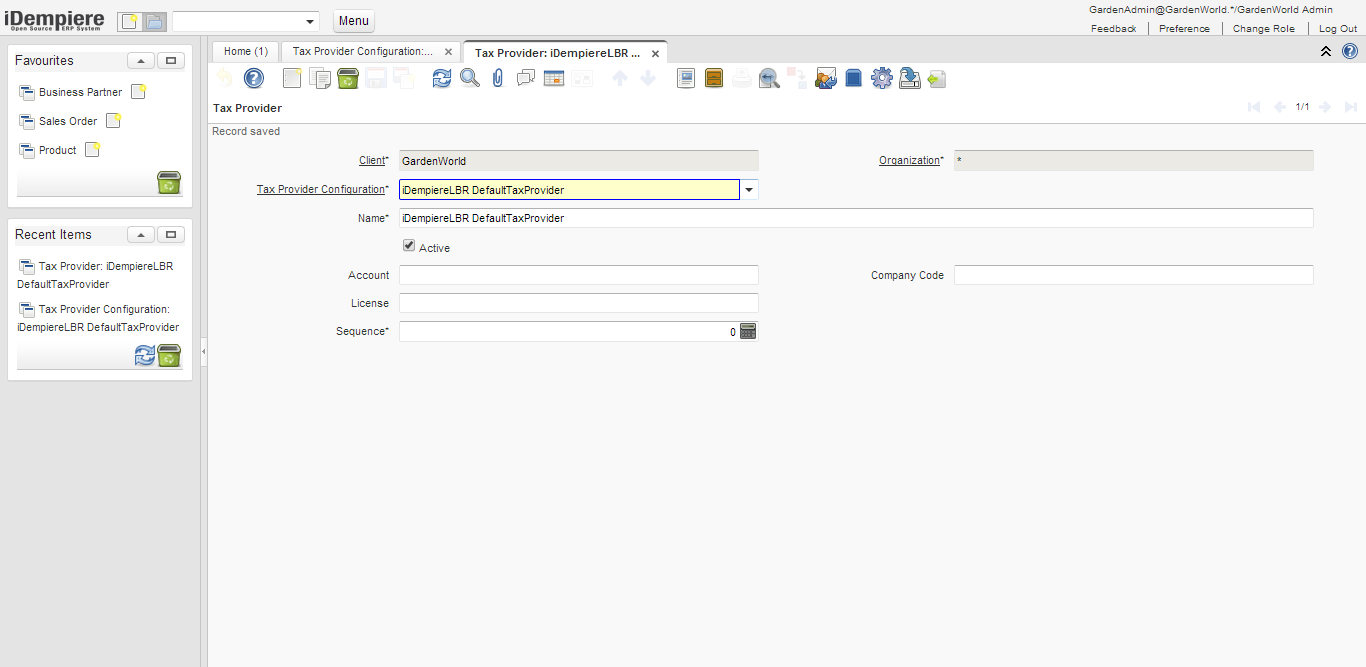
Configure your Client to use the new tax provider.
Configure the Tax Rate to use the tax provider. In this example, we use the Standard tax.
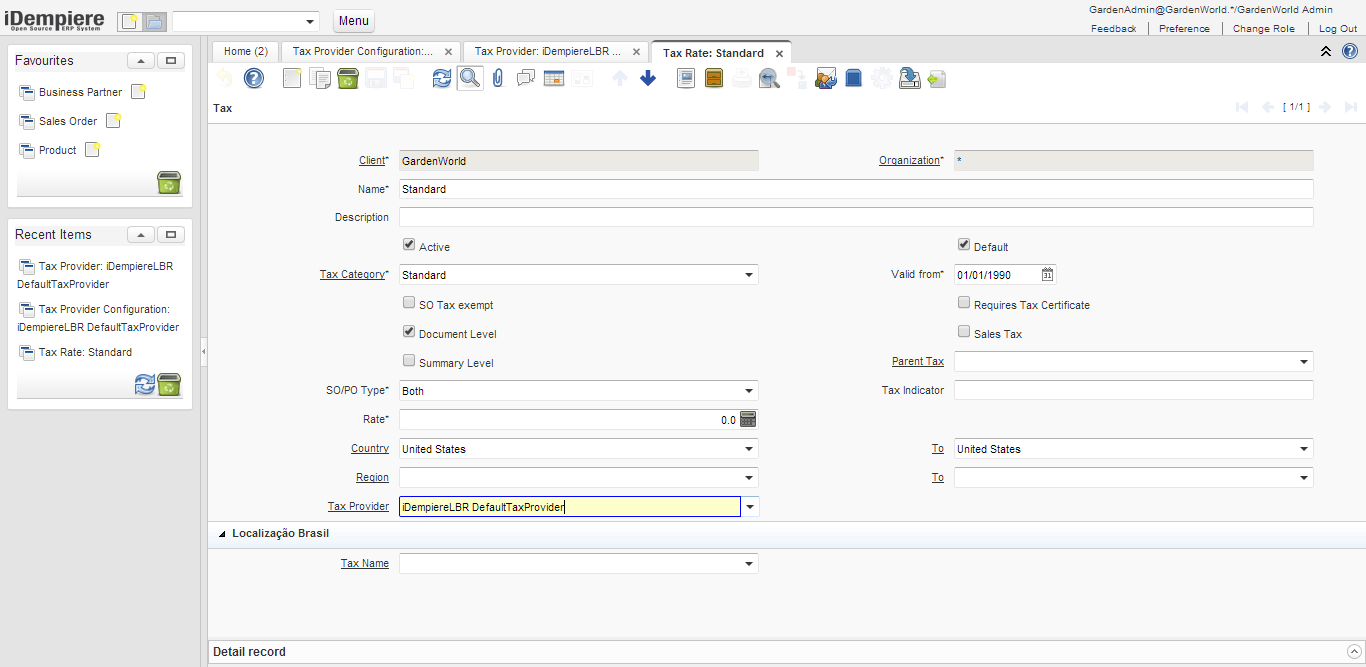
That's the basic setup. To verify it works, add a console log in each method of the DefaultTaxProvider class.
Make sure your plug-in is active in the run configurations. Start the client and confirm your plug-in is active. Log in as GardenAdmin/GardenWorld, create a new Sales Order, add some products (set the tax field to Standard), go back to the header, and prepare the order. Check your console log — you should see output from your custom tax provider.
Implement each method of DefaultTaxProvider to handle taxes for orders, invoices, and RMAs.
Troubleshooting
- Make sure
TaxProviderFactory.xmlhas a unique name (my.domainname.pluginname.provider.TaxProviderFactoryis a good choice) and that you selected the correct class. - Make sure your plug-in is activated before you log in.
- Make sure
MANIFEST.MFcontains aService-Component:line with the path to yourTaxProviderFactory.xml(for example,Service-Component: TaxProviderFactory.xml).
This tutorial was contributed by Alan Lescano from LBR Localization Brazil.